
When OpenAI announced ChatGPT Atlas, it wasn’t just another browser launch; it was a statement that browsers are slowly becoming AI platforms, not merely tools to display pages. Atlas puts ChatGPT at the centre of the browsing experience: a persistent sidebar, browser memories, and agentic features that can act on the web for you. If you’re an everyday user in India, like a student, developer, or someone who spends hours researching and writing, Atlas promises to change how you work online.
But is it ready to replace Chrome or Edge? Below, I break it down in plain terms, compare Atlas against Comet, Chrome and Edge, and help you decide whether to try it.
What is ChatGPT Atlas Browser?
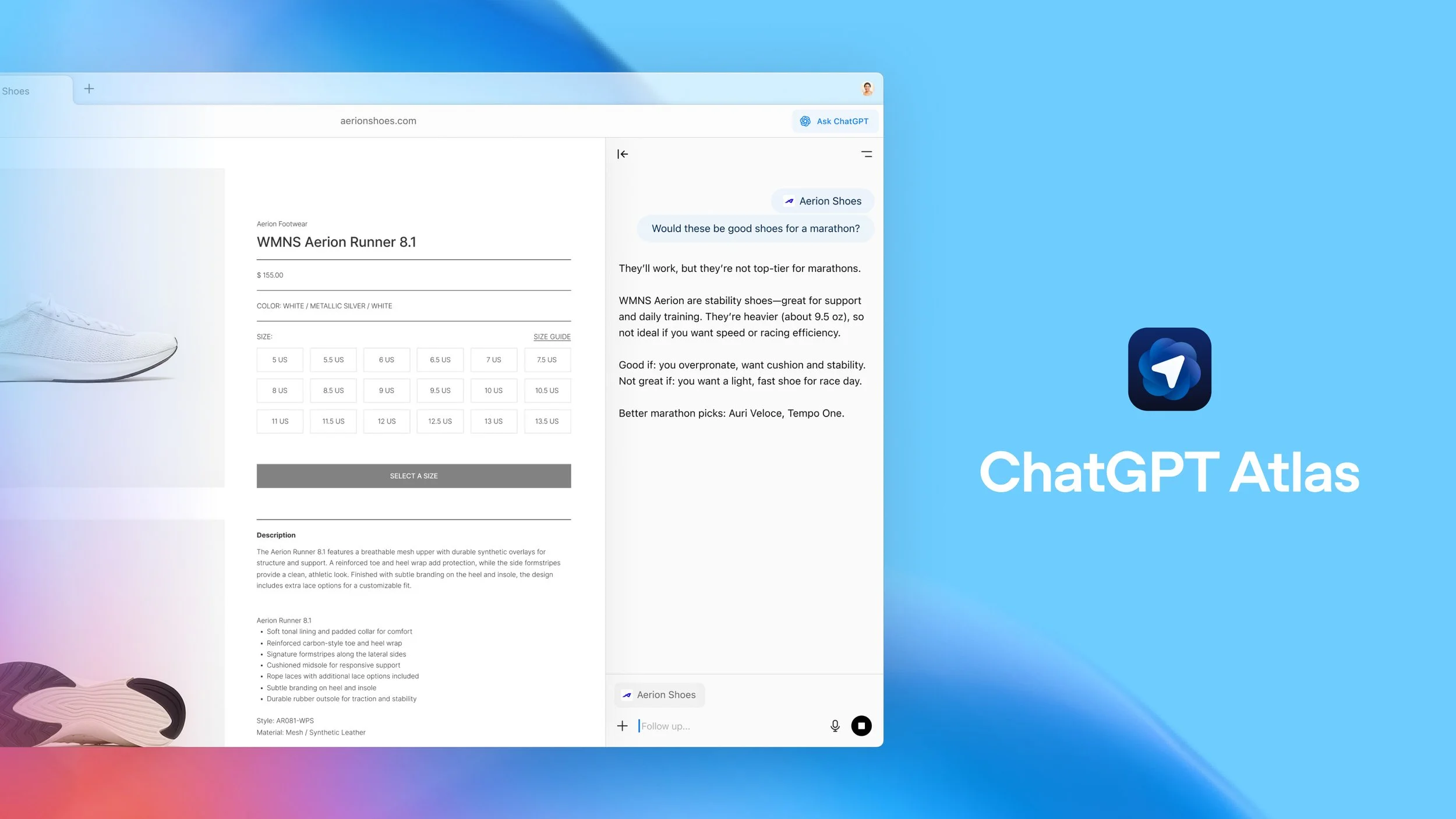
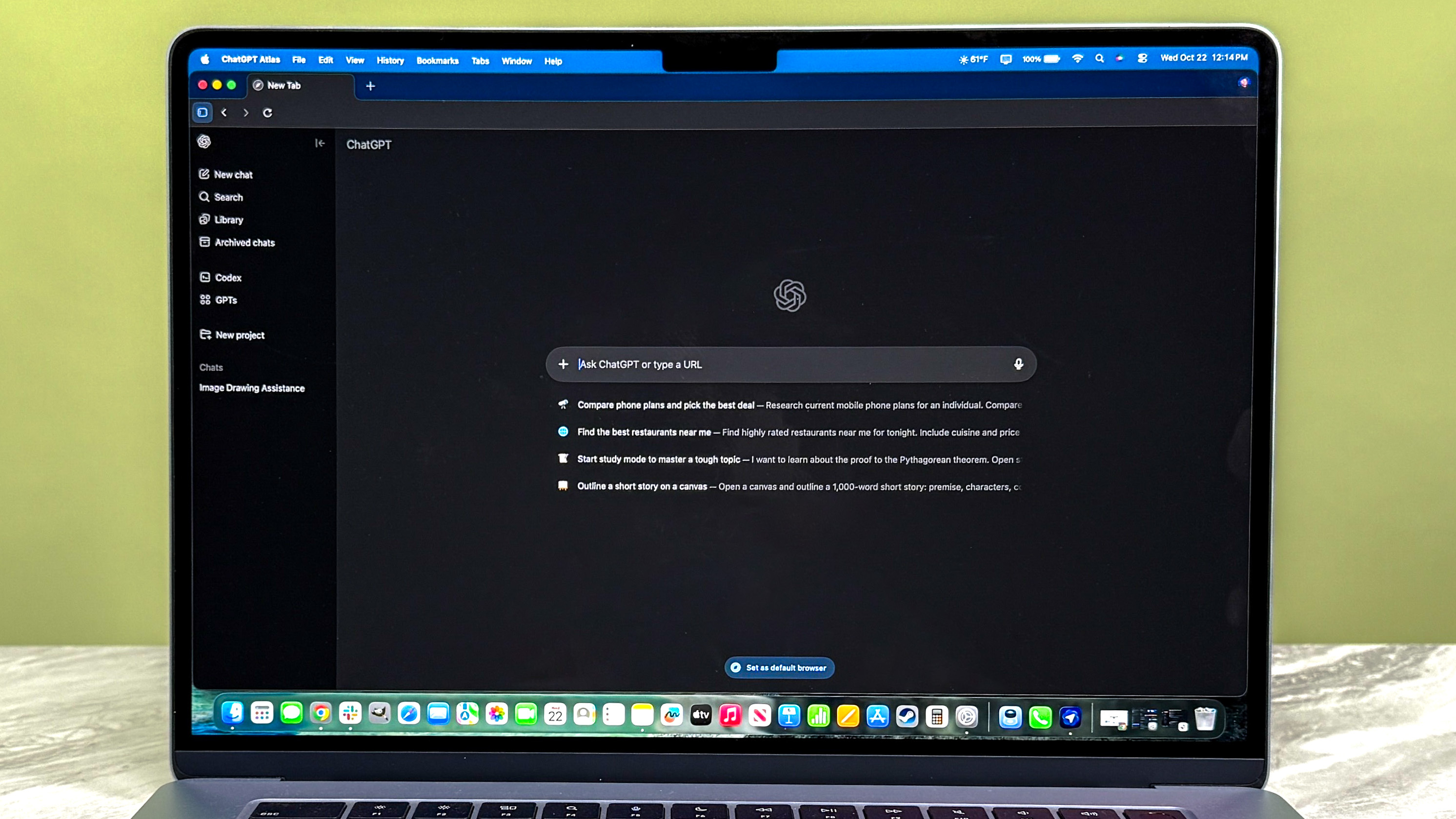
ChatGPT Atlas Browser is a next-generation web browser built on Chromium that integrates OpenAI’s ChatGPT technology into its core framework. It also offers a feature called browser memories — the browser can remember things you view to improve future responses.
It offers embedded AI-driven assistance for summarising long articles, comparing product specs across tabs, drafting emails using page content, and even running agents that can perform simple web actions for paid users.
Atlas is available on macOS at launch, with support for Windows, iOS, and Android coming soon.
Key Features of ChatGPT Atlas Browser:
ChatGPT is integrated directly within the browser interface, allowing users to engage in conversations, seek explanations, or generate content on the fly.
- Enhanced Search Experience: The browser refines search results intelligently by summarising the top findings and offering AI-curated responses.
- Privacy and Security: ChatGPT Atlas puts privacy first with enhanced encryption and blocking trackers, ensuring safe browsing.
- Customizable Interface: A clean design with options for personalisation suits various user preferences and accessibility needs.
- Performance Optimisation: Lightweight architecture ensures faster loading times and reduced memory usage, even with AI features enabled.
- Multi-Device Syncing: Synchronise bookmarks, AI conversation history, and settings across all your devices for a coherent browsing experience.
Comparing ChatGPT Atlas Browser with Other Browsers:
| Feature | ChatGPT Atlas Browser | Google Chrome | Microsoft Edge | Comet Browser |
|---|---|---|---|---|
| AI Integration | Built-in ChatGPT with conversational AI | No AI integration | Bing AI chat integrated | Basic AI assistance |
| Speed and Performance | Optimised for AI with fast loading | High speed, heavy on memory | Fast, based on Chromium | Light on resources |
| Privacy Features | Strong tracker blocking and encryption | Standard with extensions | Tracking prevention modes | Focus on privacy |
| User Interface | Minimalistic, AI-assisted | Familiar, many extensions | Modern, integrated with Windows | Simple, user-friendly |
| Cross-Device Sync | Sync AI chats, bookmarks, and settings | Yes | Yes | Yes |
| Supported Extensions | Chromium-based, supports many extensions | Wide range of extensions | Chromium-compliant extensions | Limited compared to Chrome |
Atlas vs Comet vs Chrome vs Edge In Detail:
Below is a practical comparison of how each browser approaches AI and daily browsing.
- Atlas (OpenAI)
- Strengths: Deep ChatGPT integration, context-aware sidebar, agentic tools for paid users, browser memories. Great for content creators and people who want one assistant across web pages.
- Weaknesses: Early stage UX rough edges, macOS-first launch, pressure to upgrade to unlock agent features, potential privacy concerns if you opt in to memories.
- Comet (Perplexity)
- Strengths: Built as an AI browser with agent like capabilities; good at research workflows and summarisation; tight integration with Perplexity’s knowledge graphs and search. Good multitasking with focused research workflows.
- Weaknesses: Feels like Chrome with AI layered on, if you already use Chrome + AI extensions, benefits may be incremental. Early reviews show it’s powerful for research but not radically different for everyday browsing.
- Google Chrome
- Strengths: Market leader, fastest extension ecosystem, cross-device sync, stable and well-supported. Google has been adding AI features (Gemini integrations), but Chrome still prioritises search-first flows.
- Weaknesses: Chrome can be resource-heavy, and Google’s AI integrations sometimes feel like add-ons rather than the central experience.
- Microsoft Edge
- Strengths: Strong AI push with Copilot Mode, solid speed and security improvements, Windows integration, features like scareware blocker and fast load times. Edge is leaning heavily into productivity with AI that can access tabs/history (with consent) to complete tasks.
- Weaknesses: Edge’s aggressive promotion on Windows can bother users; like Chrome, it’s a general browser adopting AI features rather than being designed from scratch around an assistant.

Privacy and Security:
Privacy is a growing concern with mainstream browsers. Atlas stands out with default blocker settings that prevent trackers and ad-injectors aggressively. In contrast, Chrome relies on third-party extensions for comprehensive privacy, and Edge has implemented significant improvements, but still traces data for Microsoft services integration. Comet focuses entirely on privacy but lacks advanced AI tools.
Atlas Browser also encrypts chat conversations locally, promising that AI data is never stored on third-party servers without consent, a boon for privacy-conscious Indian users.
Pricing and availability:
Atlas launched free for macOS users, with agent features behind paid ChatGPT tiers (Plus, Pro, Business). OpenAI has said Windows, iOS and Android versions are coming. Expect some advanced agentic actions to be paywalled.
Pros and cons:
Pros
- Deep ChatGPT integration and contextual sidebar.
- Useful for research, content creation and multitasking.
- Chromium compatibility and extension support.
Cons
- Early-stage UX quirks and macOS-first rollout.
- Agent features may push paid upgrades.
- Privacy trade offs if you enable browser memories without care.
FAQs (short):
Q: Is Atlas free?
Yes, Atlas is free to download, but some agent features require paid ChatGPT tiers.
Q: Will Atlas replace Chrome?
Not immediately. Atlas is compelling for AI-first workflows, but Chrome remains dominant for general compatibility and extension breadth. Atlas could replace Chrome for users who prioritise ChatGPT workflows.
Q: Is my browsing data safe with Atlas?
OpenAI says browser memories are private to your account and controllable. Still, opt in carefully and clear memories for sensitive sites.Final thoughts
Atlas is more than a skin on Chromium; it’s OpenAI’s attempt to reshape the browser around an assistant. For Indian users who write, research or juggle many tabs, that assistant could become indispensable. The trade-offs are familiar: convenience versus privacy, early access versus mature stability. If you love ChatGPT and want shorter research cycles, Atlas is worth installing and testing (with conservative privacy settings). If you need enterprise reliability or cross-platform uniformity today, wait a few updates while Atlas matures.